

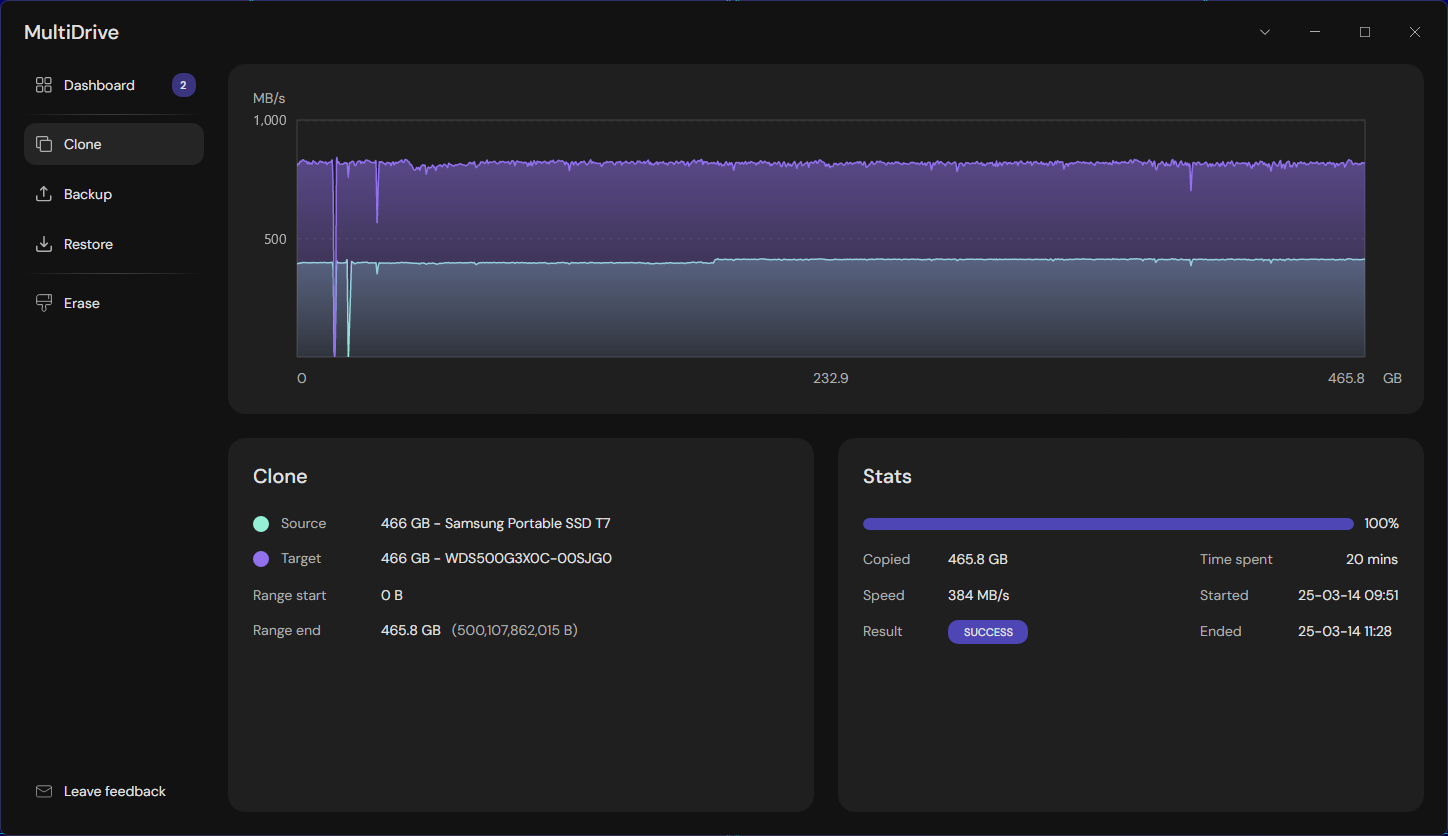
MultiDrive — Click to enlarge
Developer: MultiDrive.io by Atola Technology
License terms:
- Free for use, including commercial use, without any limitations whatsoever.
Supported OS: Windows 11/10, Windows Server 2025/2022/2019 (64-bit)
MultiDrive is a free utility to clone, erase, back up and restore entire drives with ease.
For tech enthusiasts and admins, there are even more benefits:
- Full CLI support included (try mdcli.exe)
- Backup and clone drives with bad sectors
- Parallel operations with multiple drives
- Pause and then resume any operation
- Optimized backup of a disk image to a ZIP/ZSTD file on the fly, and restore it from ZIP/ZSTD file
- Windows PE image with built-in MultiDrive
- Full stats of all your drive operations in one window
Download the installer or portable version: MultiDrive app
Alternatively, you can install it via WinGet: winget install multidrive
Frequently asked questions
Q: Can it copy a failing or damaged drive?
A: Unless Windows crashes reading such a drive, MultiDrive can back up or clone it. Read errors in 256 KB blocks will be written to the target as binary zeros.
Q: How can I ensure that I don't overwrite my boot drive?
A: MultiDrive has built-in protection for your boot drive. You cannot select it as a target for Erase, Clone, or Restore operations.
Q: Can MultiDrive split backup into smaller files?
A: Yes, MultiDrive supports splitting backup files into smaller parts when using either the ZIP or RAW format. The option is available in both UI and CLI apps:
- UI: Split to files
- CLI: mdcli backup --split
Q: Is it possible to protect my other drives from unintentional wiping?
A: In the MultiDrive window, click Erase > Right-click the drive you want to protect > Click Restrict for selection.
